Cross-Scenario Audio System

M90 is designed for how people actually listen today.

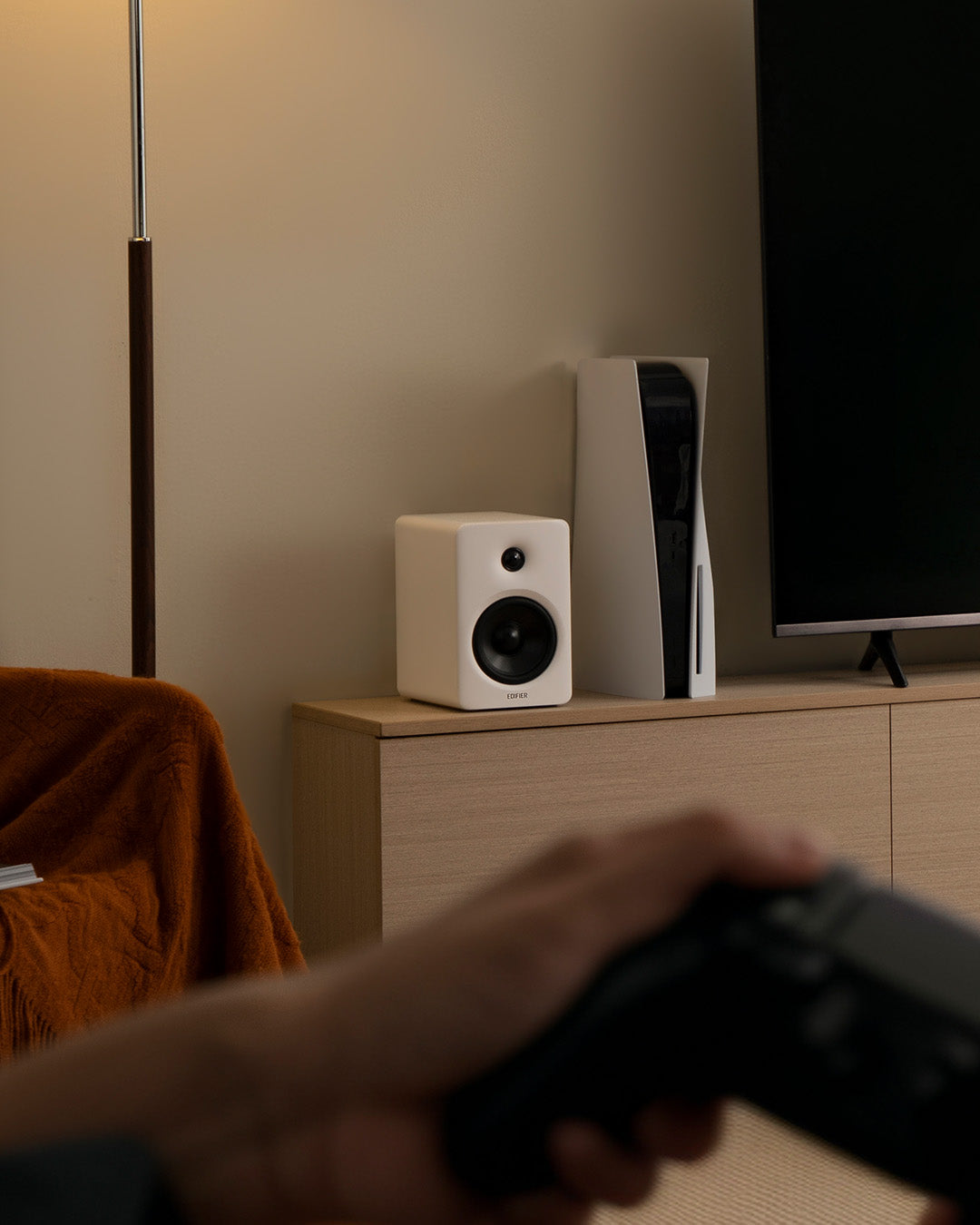
It moves effortlessly between desk, TV, and shared living spaces—without changing your setup or compromising sound quality.

Whether you’re working at close range, gaming late at night, or streaming films in the living room, M90 adapts to the space, distance, and moment.

One system. Multiple scenarios. No limitations.

HDMI eARC & Sub-Out Expansion

With HDMI eARC, M90 connects directly to modern TVs for higher-quality audio and simplified control—no soundbar required.

Dialogue stays clear, dynamics stay intact, and volume control integrates seamlessly with your TV remote.

The SUB OUT port adds flexibility when you want more depth.

Pair M90 with an external subwoofer and expand your system into a fuller, more immersive setup—without replacing what you already own.

Balanced by Design

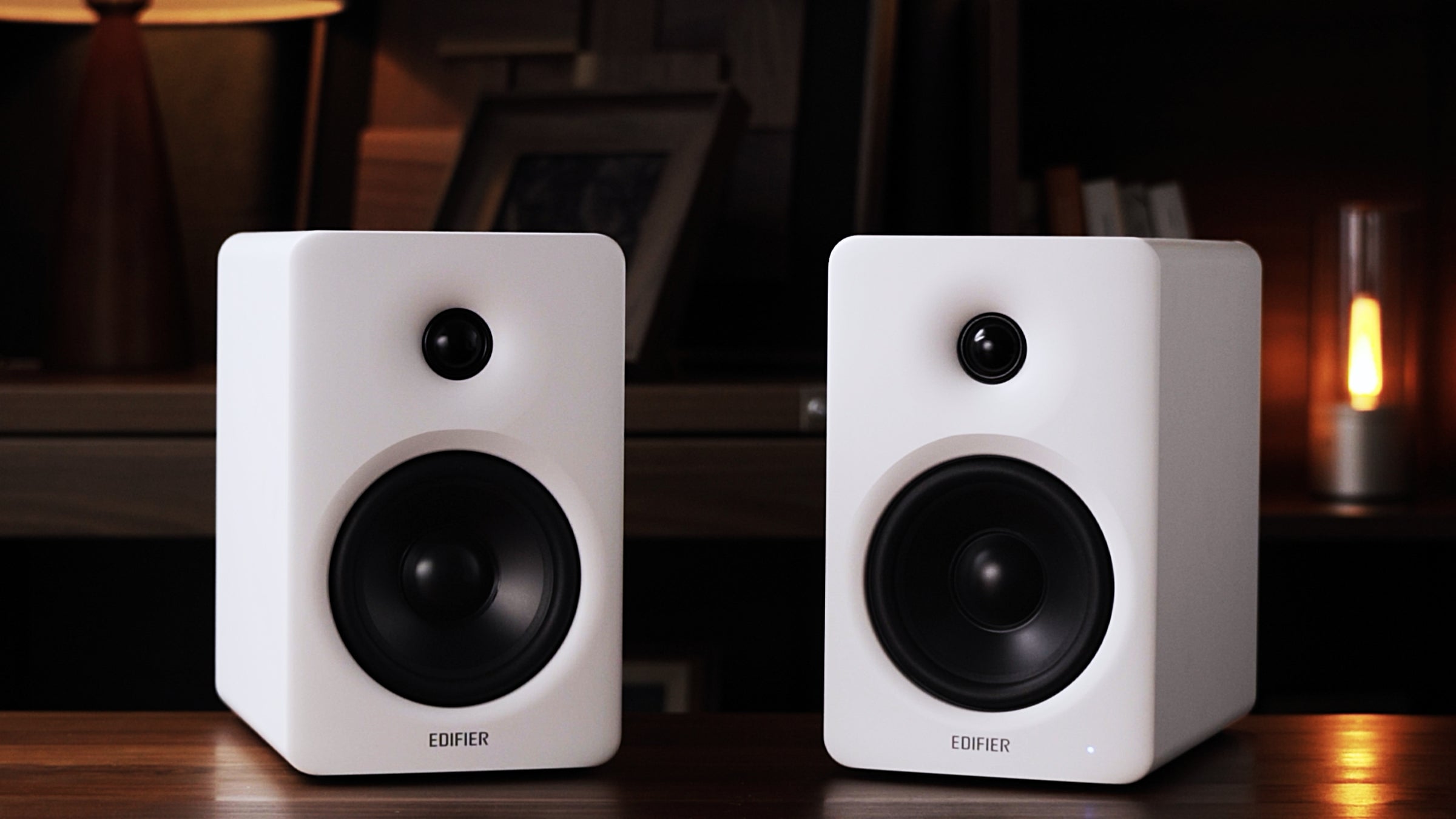
At the core of M90 is a carefully tuned two-way acoustic design.

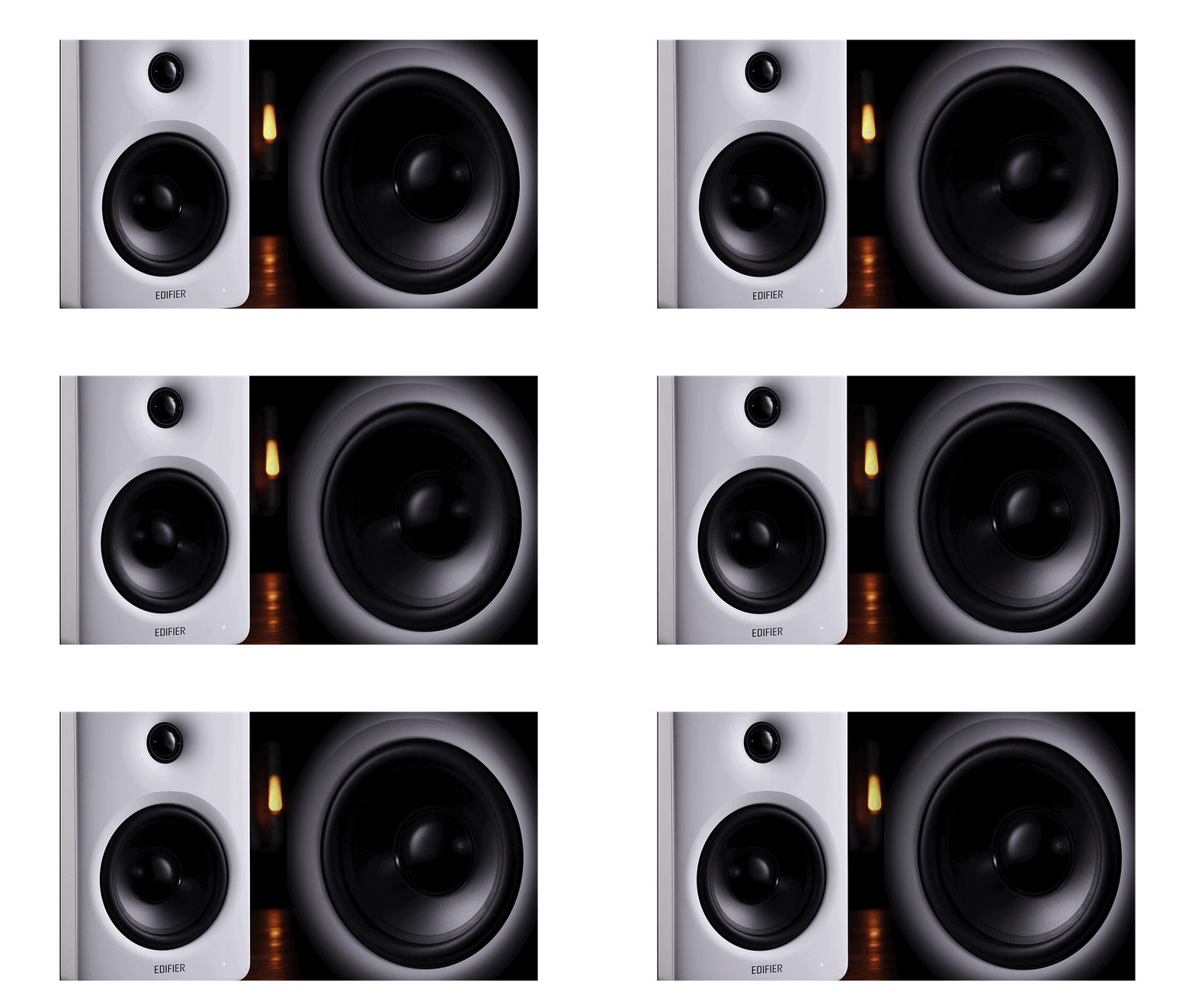
A 4-inch long-throw aluminum mid-bass driver delivers authority and control, while a 1-inch silk-dome tweeter preserves clarity and smoothness across longer listening distances.

This architecture isn’t tuned for exaggerated effects.

It’s engineered to stay composed—at your desk, across the room, and everywhere in between—so the sound remains natural, detailed, and fatigue-free.

100W Bi-Amped DSP Control

M90 delivers 100W RMS through a bi-amped system that drives each driver independently for greater control and efficiency.

End-to-end 24-bit / 96kHz digital signal processing handles active crossover and dynamic range management with precision.

The result is sound that scales effortlessly—powerful when you need it, controlled when you don’t.

No distortion. No strain. Just confident performance at any volume.

Tech Spec

General Specification
Total Output Power (RMS):
  • Treble 15W x 2
  • mid-bass 35W x 2
Bluetooth:
  • V6.0
Net Weight:
  • 6.05kg
Audio Specification
Driver:
  •  Mid-bass 4" Aluminium diaphragm
  • Tweeter 1” Silk dome
Frequency Response
  • 50Hz - 40kHz
Codecs:
  • SBC
  • LDAC
Dimensions

Dimensions (W x H x D)

  • 33mm x 212mm x 225mm (Active speaker)
  • 133mm x 212mm x 210mm (Passive speaker)
Connectivity
Audio Input:
  • Bluetooth
  • HDMI eARC
  • Optical
  • USB
  • AUX
Audio Output:
  • Sub out
Input Sensitivity:
  • HDMI eARC: 500±50mFS (PCM stereo)
  • Optical: 500±50mFS
  • USB-C: 500±50mFS
  • AUX: 450±50mV
  • Bluetooth: 500±50mFS

Included in the Box

  • Speaker

  • 3.5mm - RCA cable

  • 3.5mm - 3.5mm cable

  • Fibre-Optic audio cable

  • USB-C cable

  • User Manual

FAQs

Please read our FAQs page to find out more.

How long does shipping take?

Standard Shipping will take around 3-7 business days to be delivered.

NOTE: Actual delivery times are subject to courier schedules and are beyond our control.

Why do Speakers have no sound?
  1. Please ensure the main power is connected and the power outlet is switched on.
  2. Please ensure the audio cable is properly connected and the input is set correctly on the speaker.
  3. Turn up the volume of the speaker or audio device.
  4. Turn the speaker off and restart it.
  5. Try another device for audio playing.
  6. Please contact customer service for further assistance.
How do I place my speakers properly?

Place the speakers on a solid and stable plane, the height of which should be kept at a position parallel to the listener's ears, and the distance between the bass reflex hole and the wall should be at least 20-50cm. To get the most accurate sound and balance, the listener's best spot should be on the axis of the equilateral triangle formed by the left and right speakers. At the same time, you can adjust the angle of the speaker slightly to obtain a more ideal stereo effect

Why my Speaker sounds unbalanced?
  1. Some audio devices or App have left and right channel volume balance settings. When the channel settings are unbalanced, it will cause the left and right volume of the product to be unbalanced or no sound on one side. When the volume of the left and right speaker is inconsistent or there is no sound on one side, please check whether the volume balance settings of the left and right channels of the audio source device or the App are normal;
  2. The sound difference may caused by the audio you are playing. Please try some softer and soothing tracks to test the product to see if it is normal;
  3. It may be that the audio device system is abnormal. Please check whether there is any software or system that needs to be updated on the device. Please try to update to the latest version and use it to see if it can return to normal;
  4. Please try to connect the product to other audio devices to see if it returns to normal. If it returns to normal, it may be that there is some unknown abnormality in the original device, which causes the left and right volumes to be inconsistent;
  5. Please make sure the connecting cable is firmly connceted between the active and passive speaker;
  6. If there is still a problem after all the above steps are checked, it may be caused by an abnormality in the product itself.

Didn’t find your answer?

Don't hestitate to contact us